
Running OpenBB Terminal on macOS? Struggling with SSL Certificate verify issues? It’s possible that there is an upstream device that’s performing some sort of SSL/TLS decryption (like a corporate decryption/security service?). Unfortunately there is not good error reporting on this:
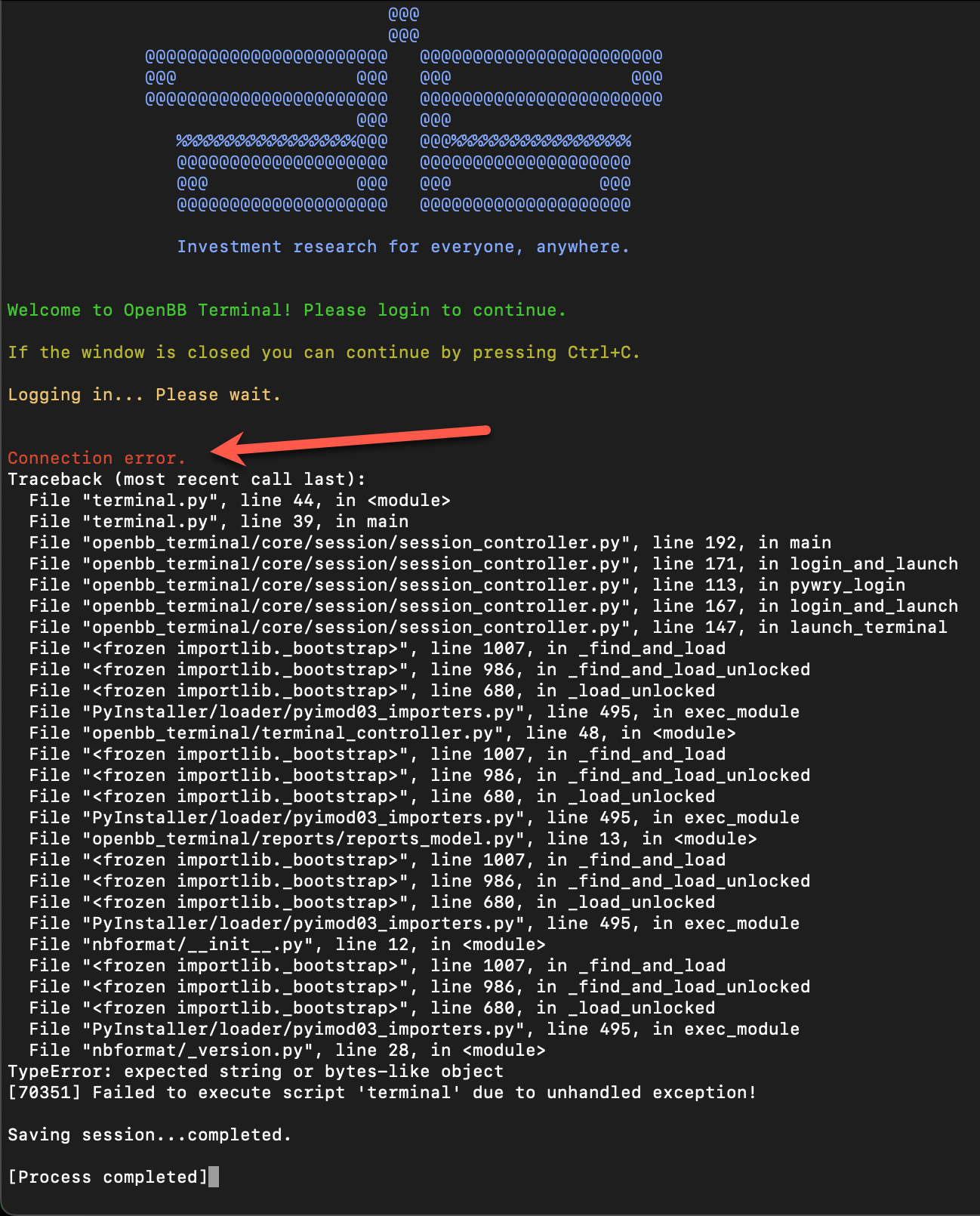
There’s a quick way to fix this. Once you get your certificates in base64 PEM format, you can append them to a specific file to be able to access it.
In macOS, this is the file stored here
/Applications/OpenBB Terminal/.OpenBB/certifi/cacert.pem
If you open up this file and add your corporate decryption certificates to it, it should fix the SSL Certificate Verify errors. The Root Certificate Authority contents for your Corporate/Enterprise security service should look like this:
-----BEGIN CERTIFICATE-----
<certificate data>
-----END CERTIFICATE-----
Unfortunately, every time you upgrade the OpenBB Terminal software, you’ll need to edit this file again and add the certificates.
 Personal Blog